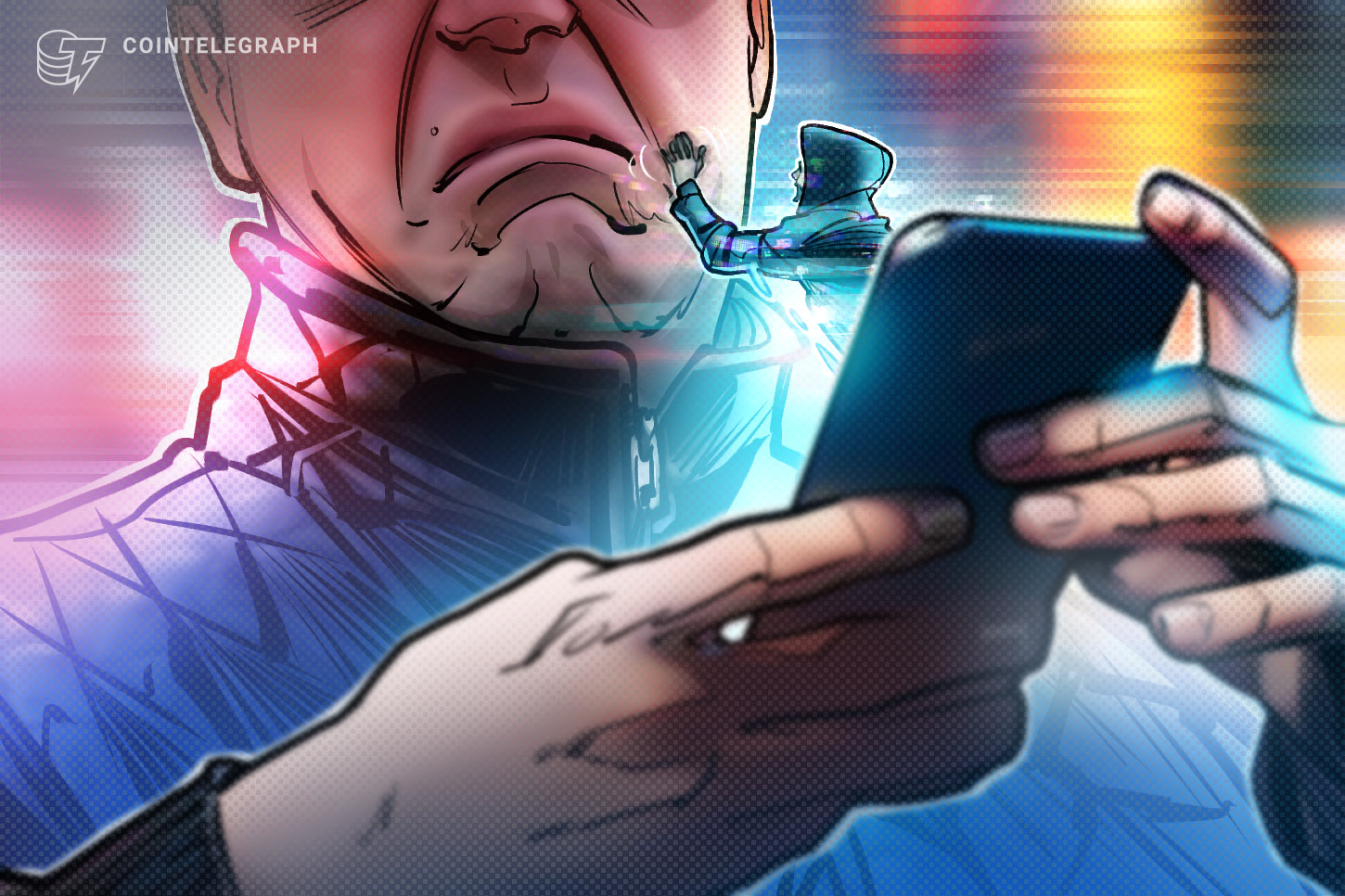
Wondering how to protect the secret words that give anyone full control of your crypto wallet? This article explains what a recovery phrase is, why it’s a prime target for thieves, and what steps you can take to keep it secure on your phone.
The plain explanation
A recovery phrase—also called a seed phrase, backup phrase, or mnemonic—is a list of typically twelve to twenty‑four words generated when you create a new crypto wallet. These words are the master key to your wallet: anyone who knows the exact phrase can recreate the wallet on any device and move every asset inside.
Because the phrase alone grants full access, it must be treated like cash or a private key. The phrase should never be stored in a location that can be read by software or accessed by others. Common mistakes include typing the phrase into a note‑taking app, taking a screenshot, or writing it on a piece of paper that could be lost.
Mobile devices are especially vulnerable because they run many apps and often display ads that can contain hidden code. If a malicious app or a compromised web page can read the data stored on your phone—such as notes, photos, or the clipboard—it can harvest the recovery phrase without you ever realizing it.
A real example
In a campaign dubbed “MoldyRoost,” cybersecurity firm Confiant identified at least 480 advertising domains that were used between May 12 and November 17, 2026, to target users in more than 47 countries. The ads appeared on unrelated websites, and a single tap on a vulnerable iPhone was enough to load a malicious landing page.
The landing page delivered a tool called Coruna, which scans Apple Notes for wallet seed phrases and reads QR codes embedded in saved images. Another tool, DarkSword, was also used to steal wallet data. Both tools can extract a recovery phrase stored in Notes, photos, or screenshots, then transmit it to the attacker, who can instantly empty the associated wallet.
Security researchers warned that iPhone users should update their software, avoid storing seed phrases in Notes or images, and consider hardware wallets for larger holdings.
What it means for you
If you keep your recovery phrase on your phone, you are exposing it to the same risks that the MoldyRoost campaign exploited. Even a single accidental tap on a malicious ad can give a thief a copy of your phrase, and because the phrase is the ultimate key, the attacker can move your funds without any further permission.
For most users, the safest approach is to keep the phrase completely offline. That means writing it down on paper, storing it in a secure physical location, or using a dedicated hardware wallet that never exposes the phrase to the internet.
When you do need to access your wallet on a mobile device, use a reputable wallet app that does not require you to re‑enter the recovery phrase each time. The app should store the phrase encrypted in its own secure enclave, which is isolated from other apps and ads.
What to check / how to judge
- Where is the phrase stored? If you have ever typed it into Notes, a messaging app, a cloud document, or saved a screenshot, delete those copies immediately.
- Is your device up to date? Install the latest iOS updates, which include patches that limit apps’ ability to read other apps’ data.
- Do you use a hardware wallet? For balances above a few hundred dollars, a hardware wallet keeps the private keys offline and eliminates the need to expose the recovery phrase on a phone.
- Are you clicking ads? Avoid tapping on unfamiliar ads, especially those promising crypto giveaways or “instant earnings.” Use an ad blocker or a browser with built‑in tracking protection.
- Is your wallet app reputable? Choose wallets that are open‑source or have undergone third‑party security audits. Check community reviews and avoid apps that request your seed phrase after the initial setup.
FAQ
Can I store my recovery phrase in a password manager?
While a reputable password manager encrypts data, it still resides on a device that could be compromised. For maximum security, keep the phrase offline on paper or in a hardware wallet.
What if I already saved my seed phrase in Apple Notes?
Delete the note immediately, then change the wallet by generating a new recovery phrase (if the wallet allows it) and transfer your funds to the new address. Consider using a hardware wallet for the new funds.
Are QR codes a safe way to back up my phrase?
QR codes are just another image file. If stored on your phone, they can be read by malware like Coruna. Only keep QR backups in a secure, offline location.
Do iOS privacy settings protect me?
iOS limits app-to-app data access, but vulnerabilities and malicious ads can still exploit loopholes. Keeping the OS updated and avoiding risky behavior adds important layers of protection.
This article references reporting from cointelegraph.com.