Opening
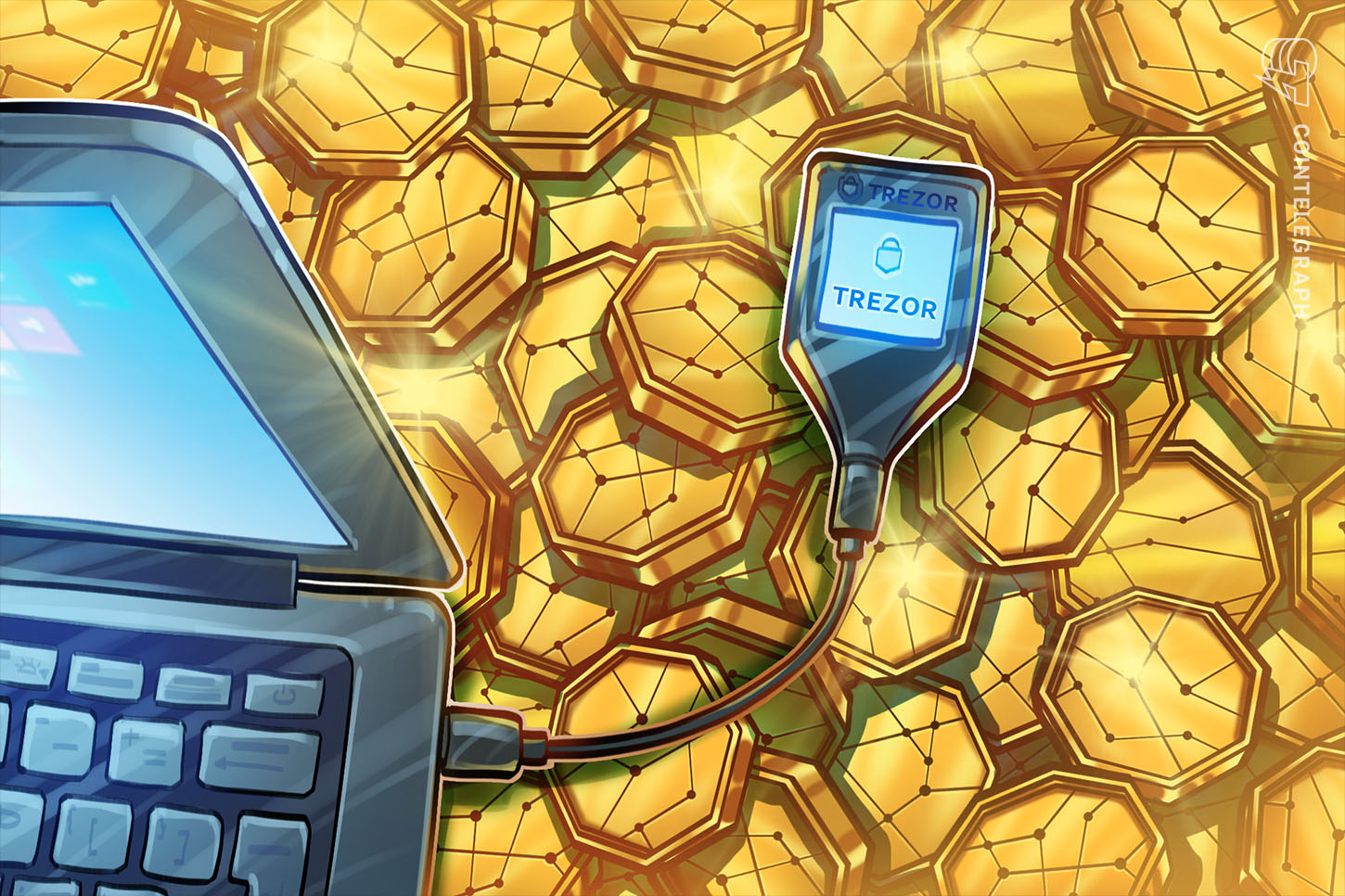
If you store crypto on a hardware wallet, you expect it to keep your private keys safe from hackers. Yet reports of tampered devices raise a critical question: how can a physical implant compromise a wallet, and what steps can you take to protect your funds?
The plain explanation
A hardware wallet is a small, offline device that stores the private keys needed to sign transactions. Because the keys never leave the device, the wallet is considered one of the most secure ways to hold cryptocurrency. The security model relies on three core elements:
- Secure element or chip. This micro‑controller is designed to resist physical attacks and to store keys in a protected memory area.
- Firmware integrity. The software that runs on the device is signed by the manufacturer. When you first set up the wallet, the device checks that the firmware matches the signed version.
- Physical tamper‑evidence. Manufacturers seal the packaging and often include holographic stickers or tamper‑evident tape so users can spot if the device has been opened.
An implant is a tiny, added circuit board that a malicious actor inserts into the device during manufacturing, distribution, or resale. The implant can be programmed to capture data displayed on the screen—most importantly the recovery phrase (also called the seed phrase), a list of 12‑24 words that can recreate the entire wallet. Once captured, the implant can transmit the data via Bluetooth, Wi‑Fi, or even a cellular connection, allowing the attacker to later restore the wallet on a separate device and move the funds.
Because the implant operates at the hardware level, it can bypass firmware checks. The device’s software may appear unchanged, and the wallet will still show a green checkmark that the firmware is authentic. This makes detection extremely difficult for the average user.
A real example
In October 2026, Trezor warned customers who bought its Safe 5 model from the former reseller CryptoBilis to move their funds. A user in Indonesia reported an unauthorized circuit board inside a Safe 5 purchased on Tokopedia in August. The suspected implant could read the screen and send the recovery phrase over a cellular network. Trezor had not yet examined the device but treated the report as credible and advised immediate fund migration.
This warning followed similar findings for Ledger wallets sold through the same reseller, where an implant was confirmed to have captured screen data without altering firmware. Both incidents illustrate that even reputable brands can be compromised when sold through unauthorized channels.
What it means for you
For anyone earning crypto—whether through mining, staking, or cloud rewards—hardware wallets remain the safest storage option, but only when the device is genuine and untampered. Buying from unauthorized sellers increases the risk of receiving a compromised unit. If a wallet is compromised, an attacker can steal the recovery phrase and empty the account without any on‑chain trace linking the theft to the hardware.
Therefore, the primary risk is not the loss of a single transaction but the total loss of all assets linked to that recovery phrase. The impact is especially severe for users who keep large balances or who rely on a single wallet for multiple earning streams.
What to check / how to judge
- Buy only from authorized retailers. Check the manufacturer’s website for a list of approved sellers.
- Inspect packaging. Look for intact seals, holographic stickers, and any signs of repackaging.
- Verify the device on first use. During the initial setup, the wallet will display a fingerprint of the firmware. Compare this fingerprint with the value published by the manufacturer.
- Use a secondary device for verification. Some wallets allow you to connect to a computer and run a diagnostic that checks for unexpected hardware components.
- Consider a “cold‑air‑gap” backup. Write down the recovery phrase on paper or metal and store it offline, separate from the wallet itself.
- Stay informed. Follow official security advisories from the wallet maker and be wary of alerts about specific reseller batches.
FAQ
Can I detect an implant myself?
Detecting a hidden circuit without specialized equipment is very hard. The most reliable method is to purchase from authorized sources and verify the firmware fingerprint during setup.
What should I do if I suspect my wallet is compromised?
Immediately create a new wallet on a trusted device, transfer all assets to the new address, and securely destroy the suspected wallet. Also, change any passwords linked to services that used the old address.
Do software updates protect against hardware implants?
Software updates can fix firmware vulnerabilities, but they cannot remove a physical implant that operates independently of the firmware. Physical security remains essential.
Is it safe to use a hardware wallet bought second‑hand?
Generally, no. A second‑hand device may have been opened, modified, or tampered with. Only brand‑new, sealed units from authorized sellers should be trusted for storing significant amounts of crypto.
This article references reporting from cointelegraph.com.