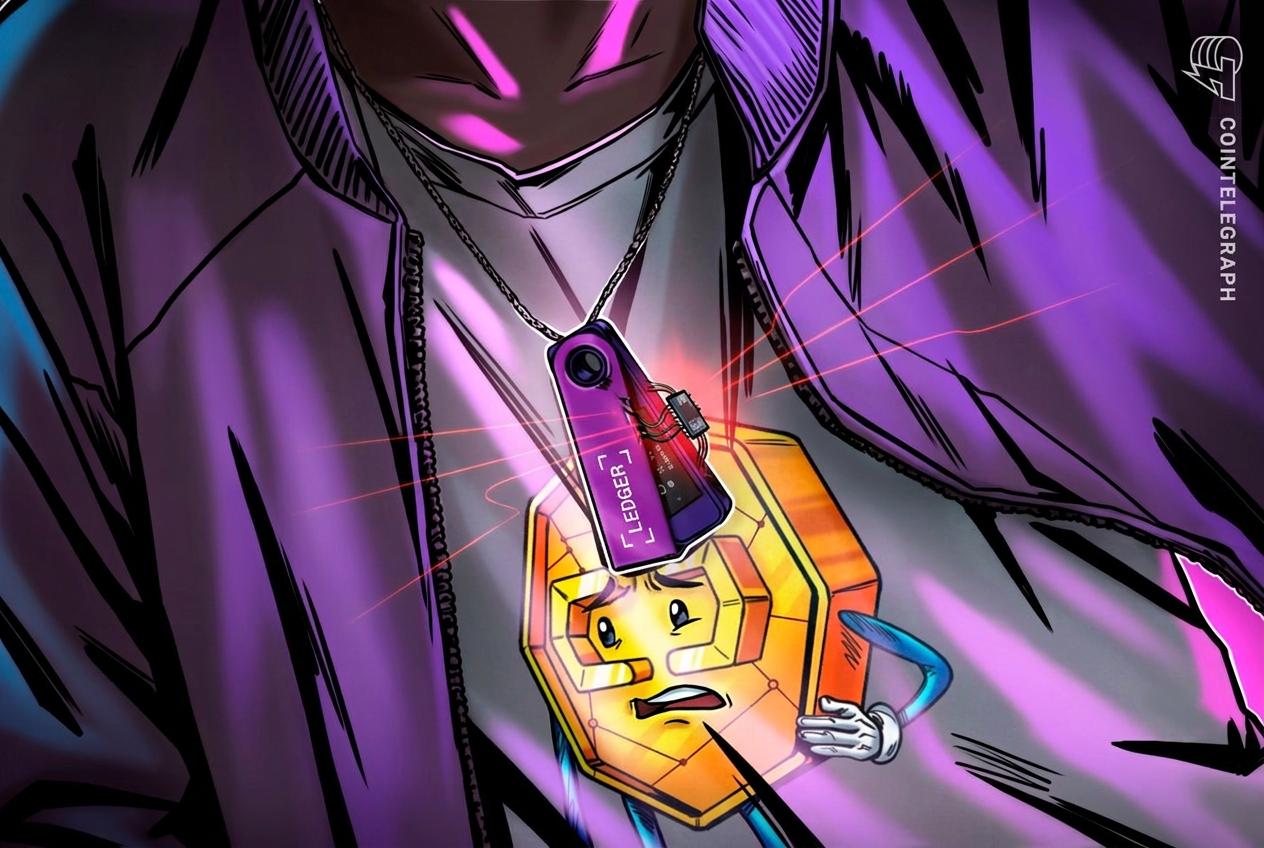
Wondering how a physical device meant to keep your crypto safe could be compromised? This article explains what hardware wallet tampering is, how attackers try to steal your recovery phrase, and what steps you can take to verify that your device is genuine.
What a hardware wallet is and why it matters
A hardware wallet is a small, offline device that stores the private keys needed to move your cryptocurrency. Private keys are like passwords that give you control over your funds, and keeping them offline protects them from online hacks. The device generates a recovery phrase—usually 12 to 24 words—during setup. If you ever lose the wallet, you can restore your funds on a new device by entering this phrase.
Because the recovery phrase is the ultimate key to your assets, any physical alteration that captures it can give an attacker full access to your crypto, even if the wallet’s software and secure chip remain untouched.
How tampering is carried out
Attackers target the supply chain, the process that moves a device from the manufacturer to the end user. Common tampering methods include:
- Physical implants: Tiny components such as micro‑cameras, magnetic sensors, or modified USB connectors are added to the device’s case. These components can record the recovery phrase as you type it during the initial setup.
- Firmware substitution: A malicious version of the wallet’s firmware is pre‑installed, prompting users to enter their recovery phrase on a fake screen or sending it to a remote server.
- Packaging manipulation: Attackers replace the sealed box with a look‑alike that contains a compromised unit, making the tampering hard to detect without opening the packaging.
In all cases, the goal is to capture the recovery phrase at the moment the user first writes it down, because once the phrase is known, the attacker can recreate the wallet on any device and move the funds.
Real‑world illustration
In March 2026, Ledger, a leading hardware wallet manufacturer, warned customers who bought devices in Berlin since January 2026 to contact support. The company had identified several units with physical modifications designed to capture recovery phrases during setup. Similar reports emerged from Dubai, where two users lost a combined $604,000 after their devices were tampered with. Ledger traced the issue back to a distribution‑channel tampering campaign that first appeared in Southeast Asia in October 2025, affecting a Ledger Nano Gen 5 unit sold through an authorized reseller.
What this means for you
If you rely on a hardware wallet for passive income, staking, or simply storing crypto, a compromised device can erase those earnings in an instant. The risk is not limited to a single brand; any device that passes through an insecure supply chain could be altered. Therefore, the safety of your funds depends as much on the physical integrity of the wallet as on the software security.
How to verify your hardware wallet
Before you start using a new device, follow these checks:
- Buy from official sources: Purchase directly from the manufacturer’s website or an authorized reseller listed on the official site. Avoid third‑party marketplaces.
- Inspect packaging: Look for sealed tamper‑evident stickers, consistent serial numbers, and any signs of repackaging.
- Verify the device firmware: Most wallets display a fingerprint or hash of the firmware on the screen during boot. Compare it with the value published on the manufacturer’s site.
- Use a trusted computer: Perform the initial setup on a clean, offline machine to reduce the chance of malware capturing your recovery phrase.
- Consider a physical inspection: If you suspect tampering, some manufacturers—like Ledger—offer X‑ray analysis at their factories.
FAQ
Can a tampered wallet be fixed with a software update?
No. Physical implants are hardware modifications that a software update cannot remove. The only safe solution is to replace the device with a verified, untampered unit.
Is buying a second‑hand hardware wallet safe?
Generally, it is risky because you cannot be sure the previous owner didn’t expose the recovery phrase or that the device wasn’t altered. If you must buy used, reset the device to factory settings and perform the firmware verification steps.
What should I do if I think my wallet is compromised?
Immediately stop using the device, transfer any remaining funds to a new, verified wallet, and contact the manufacturer’s support team. If you have already entered the recovery phrase on the compromised device, assume the phrase is exposed and generate a new one on a fresh wallet.
Do hardware wallets protect against phishing attacks?
They help, but only if you verify the device’s firmware and never enter your recovery phrase on a computer or phone. Phishing sites can still trick you into signing a transaction, so always double‑check addresses on the device’s screen.
This article references reporting from cointelegraph.com.