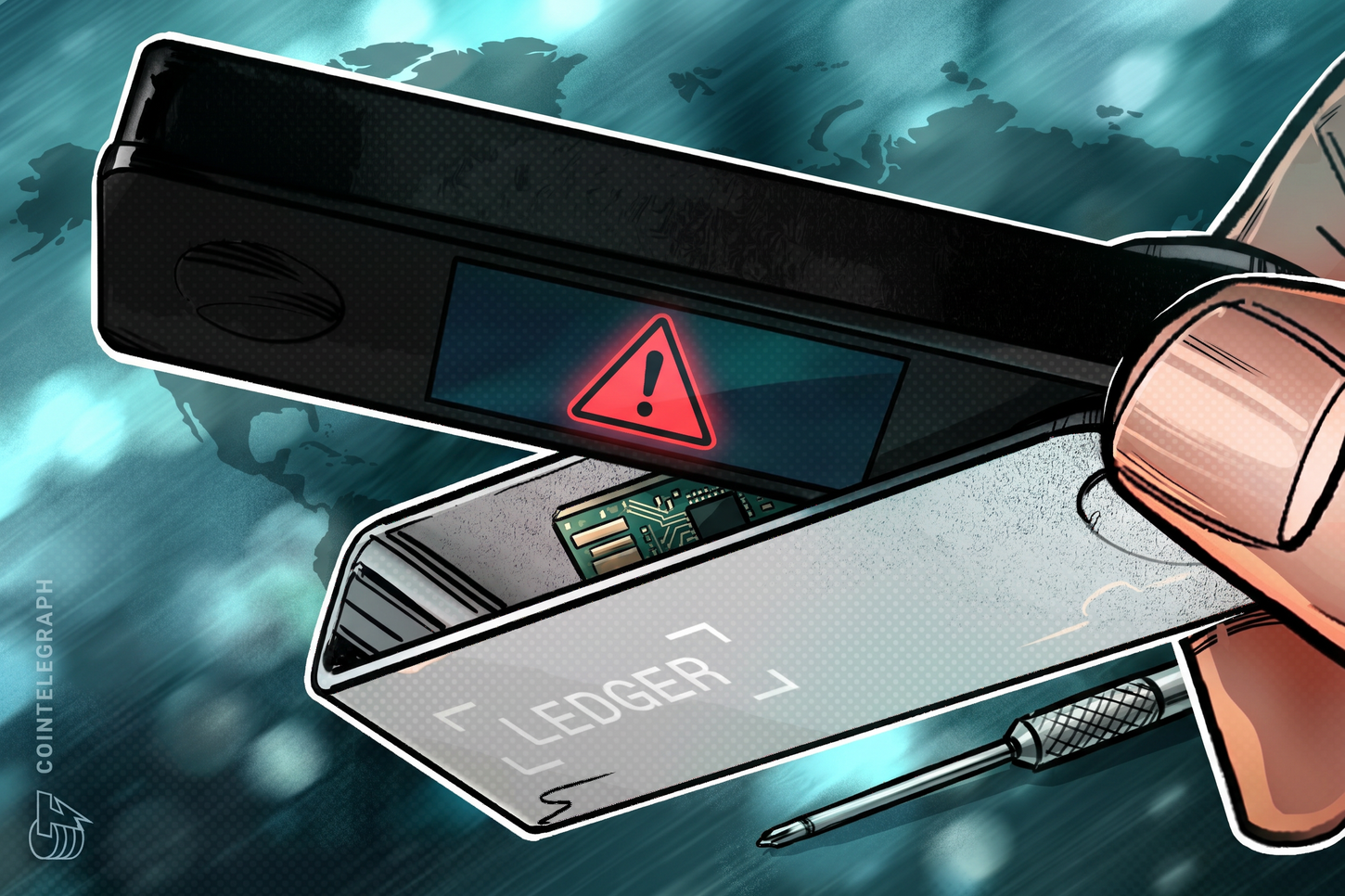
Ever wondered why a hardware wallet, touted as the safest way to store crypto, can still be compromised? This article explains how tampering of hardware wallets happens, what the risks are, and what steps you can take to keep your digital assets secure.
What a hardware wallet is and how it protects your crypto
A hardware wallet is a small, dedicated device that stores the private keys needed to move your cryptocurrency. The private key never leaves the device, and transactions are signed inside the hardware, making it far harder for hackers to steal your funds compared to software wallets that run on internet‑connected computers. Common terms you’ll hear include:
- Private key: a secret number that proves ownership of a crypto address.
- Seed phrase: a human‑readable list of 12–24 words that can regenerate the private keys if the device is lost.
- Firmware: the low‑level software that runs on the wallet and controls its functions.
Because the device is offline, the main attack vector is physical access. If an attacker can modify the hardware or firmware before you receive the device, they can create a backdoor that silently copies your keys or redirects transactions.
How tampering works
Tampering typically involves one of three methods:
- Malicious implants: Tiny chips or micro‑controllers are added to the circuit board. These can intercept the seed phrase or private key when you initialize the wallet and send it to a remote server.
- Firmware modification: The official firmware is replaced with a counterfeit version that looks identical but contains hidden code to leak keys or approve transactions without user confirmation.
- Counterfeit devices: Entirely fake wallets are sold under the brand’s name. They may mimic the look and feel of the genuine product but lack the secure element that protects keys.
All three methods rely on the user purchasing the device from an unauthorized reseller or a marketplace where counterfeit listings can hide among legitimate ones. Once the tampered wallet reaches the user, the malicious component can remain dormant until the user sets up the device, making detection difficult.
Real‑world example
In October 2026, Ledger, a leading French hardware wallet maker, confirmed that a device sold through the Southeast Asian reseller CryptoBilis contained an unauthorized implant. Security researcher Joe Grand reported the issue to Ledger on 4 March 2026 after discovering a malicious chip in a Nano X purchased from a Lazada Thailand seller called “LedgerXXX” in August 2025. Although Ledger acknowledged the report and said it was investigating, the company did not issue a public warning at the time. Similar reports surfaced for other brands, such as Trezor, which faced tampered devices from unauthorized sellers on TikTok and Facebook in August 2026.
What it means for you
If you rely on a hardware wallet for passive income, cloud rewards, or any crypto holding, a tampered device can silently drain your funds, rendering the security promise meaningless. The risk is higher when you buy from third‑party marketplaces, especially from sellers that are not listed as authorized resellers by the wallet manufacturer. Even a single compromised device can lead to significant losses, as demonstrated by the CryptoBilis incident.
What to check before you buy a hardware wallet
- Buy from authorized channels: Purchase directly from the manufacturer’s website or from a retailer that appears on the official authorized reseller list.
- Inspect the packaging: Genuine devices have tamper‑evident seals, holographic stickers, and serial numbers that match the manufacturer’s database.
- Verify firmware: When you first power on the device, ensure the firmware version displayed matches the latest version listed on the official site. Most wallets will prompt you to update if a newer version exists.
- Check for physical anomalies: Look for extra components on the circuit board, uneven solder joints, or any signs of modification. If you are not comfortable opening the device, compare the weight and feel with a known genuine unit.
- Use a test transaction: Before moving large amounts, send a small amount to a different address and verify that the transaction details displayed on the device match your intention.
FAQ
Can I detect a malicious implant after I’ve set up the wallet?
Detection is difficult because the implant can hide its activity. The safest approach is to assume the device is compromised if you bought it from an unauthorized source and to move funds to a new, verified wallet.
Do software updates protect against hardware tampering?
Software updates can patch firmware vulnerabilities, but they cannot remove a physical implant. If the hardware itself is altered, a firmware update will not eliminate the backdoor.
Is buying a wallet from a marketplace like Lazada always unsafe?
Not necessarily, but you must confirm that the seller is listed as an authorized reseller. Marketplace listings often mix authorized and unauthorized sellers, making it easy to purchase a counterfeit device unintentionally.
What should I do if I suspect my wallet is tampered?
Stop using the device immediately, transfer any remaining funds to a new, verified wallet, and contact the manufacturer’s support team with the serial number and purchase details. Reporting the incident helps the community stay aware of emerging threats.
This article references reporting from cointelegraph.com.