Wondering how to protect your cryptocurrency when using a hardware wallet? This article explains how hardware wallets work, what the recovery phrase does, and what steps you should take if you suspect a device has been compromised.
What a Hardware Wallet Actually Is
A hardware wallet is a small, offline device that stores the private keys needed to move your crypto. Private keys are secret numbers that prove ownership of a blockchain address; anyone who has the key can spend the funds. By keeping the keys on a device that never connects to the internet, the wallet reduces exposure to online attacks such as phishing, malware, or hacking of exchange accounts.
The wallet generates a recovery phrase—usually 12 or 24 words—when you first set it up. This phrase is a human‑readable representation of the private keys. If the device is lost, damaged, or stolen, you can restore all your assets on a new device by entering the same recovery phrase. Because the phrase is the ultimate backup, it must be stored securely, offline, and never shared.
Most reputable hardware wallets also include a secure element, a tamper‑resistant chip that protects the keys even if the device’s firmware is altered. The device requires you to confirm transactions on its screen, which prevents remote attackers from signing transactions without physical access.
Real‑World Example: Ledger’s Investigation of a Reseller
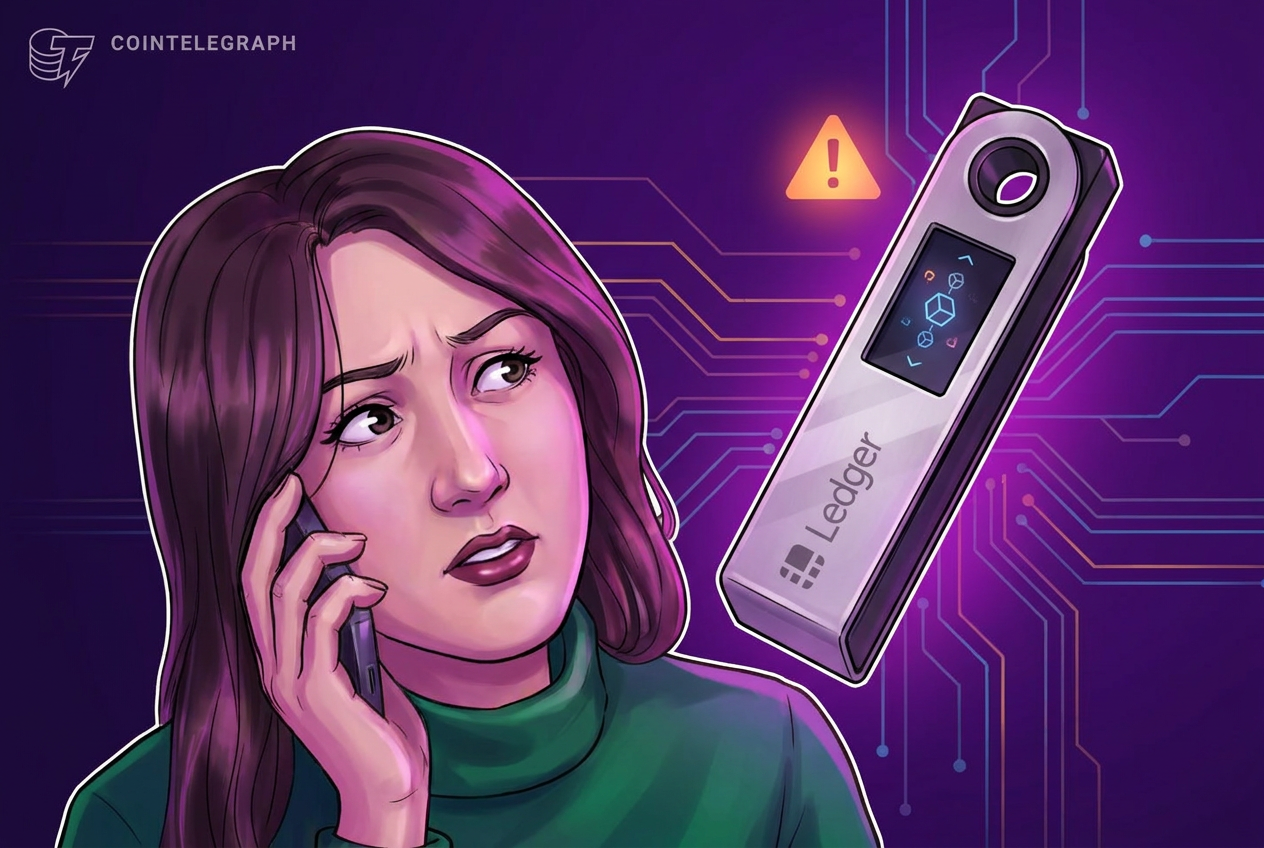
In October 2026, Ledger announced that it was investigating fund losses linked to a Southeast Asian reseller called CryptoBilis. The company asked the reseller to suspend sales and warned customers who bought devices within the past 90 days not to set them up. For users who had already activated the wallets, Ledger recommended transferring assets to a new Ledger device with a freshly generated recovery phrase.
While Ledger said its own infrastructure was not compromised, the incident highlighted how a compromised supply chain—or a malicious reseller—can put users at risk before they even turn on the device.
What This Means for You
If you purchase a hardware wallet, the security of your funds depends on two things: the integrity of the device itself and the safety of your recovery phrase. A compromised device can leak private keys or install malicious firmware that records your transactions. Even if the device is genuine, a weak recovery phrase storage practice can expose you to theft.
Therefore, you should treat the purchase and setup process as the most critical security step. Verify that the device is sealed, authentic, and bought from an authorized reseller. After activation, store the recovery phrase in a location that is both fire‑proof and inaccessible to others.
What to Check Before and After Buying a Hardware Wallet
- Authorized reseller list: Only buy from sellers listed on the manufacturer’s official website. Ledger’s warning about CryptoBilis shows why this matters.
- Device packaging: Look for tamper‑evident seals and any signs of replacement parts. A broken seal could indicate that the device was opened before you received it.
- Firmware verification: When you first connect the device, follow the manufacturer’s instructions to verify the firmware signature. This ensures the software has not been altered.
- Recovery phrase handling: Write the phrase on paper or metal, store it in a safe deposit box, and never keep a digital copy on cloud services or email.
- Test the device: Before moving large amounts, send a small test transaction to confirm the wallet functions correctly.
- Regular audits: Periodically check that the device’s firmware is up to date and that you can still access your funds with the recovery phrase.
FAQ
Can a hardware wallet be hacked after I set it up?
Yes, if an attacker gains physical access to the device and can bypass the secure element, or if the device’s firmware is compromised before you install it. Keeping the device sealed until first use and verifying firmware signatures reduces this risk.
What should I do if I suspect my wallet was sold by a malicious reseller?
Stop using the device immediately. Generate a new recovery phrase on a fresh, verified device and transfer all assets to the new wallet. Also, report the reseller to the manufacturer so they can investigate.
Is it safe to store the recovery phrase on a USB drive?
No. Digital storage can be accessed remotely or infected with malware. The safest method is an offline, physical medium such as paper or a metal backup stored in a secure location.
Do I need to back up my recovery phrase for each cryptocurrency separately?
No. A single recovery phrase typically controls all accounts on that hardware wallet, regardless of the blockchain. However, if you use multiple wallets from different manufacturers, each will have its own phrase.
This article references reporting from cointelegraph.com.