Are you wondering whether a hardware wallet can truly keep your crypto safe? This article explains how hardware wallets protect private keys, the ways they can be compromised, and what you can do to verify the integrity of a device before trusting it with your funds.
What a hardware wallet actually does
A hardware wallet is a small, offline device that stores the private key—the secret code that lets you move cryptocurrency. Because the key never leaves the device, it is protected from online attacks such as phishing, malware, or hacking of exchanges. When you want to send coins, the wallet displays the transaction details on its screen and requires you to confirm it by pressing a physical button. This “air‑gapped” design means that even if your computer is infected, the private key remains out of reach.
Inside the wallet is a dedicated secure element or security chip. This chip generates the private key, stores it in encrypted form, and performs cryptographic operations (signing transactions) without exposing the key to the rest of the device or to external connections. The rest of the hardware, such as the display and buttons, is separate and cannot read the key directly.
When you first set up a wallet, it shows you a recovery phrase—usually 12 or 24 words—derived from the private key. Writing this phrase down and keeping it safe is crucial: anyone who knows the phrase can reconstruct the wallet on another device and take the funds.
How a hardware wallet can be tampered with
Even though the secure element protects the private key, the rest of the device can still be targeted. An attacker who gains physical access to a wallet before you purchase it can install a tiny hardware module—often called an implant—that monitors the screen, captures the recovery phrase when it is displayed, and transmits the data elsewhere. Such implants may use a microcontroller with a built‑in cellular modem (LTE) and an embedded SIM (eSIM) to send the stolen words over a mobile network, bypassing any network‑level security.
This type of attack does not alter the wallet’s cryptographic functions; transactions still appear normal, and the device’s security chip remains untouched. The danger lies in the secret phrase being exfiltrated without the user’s knowledge, allowing the attacker to clone the wallet later.
Real‑world illustration: the Ledger implant case
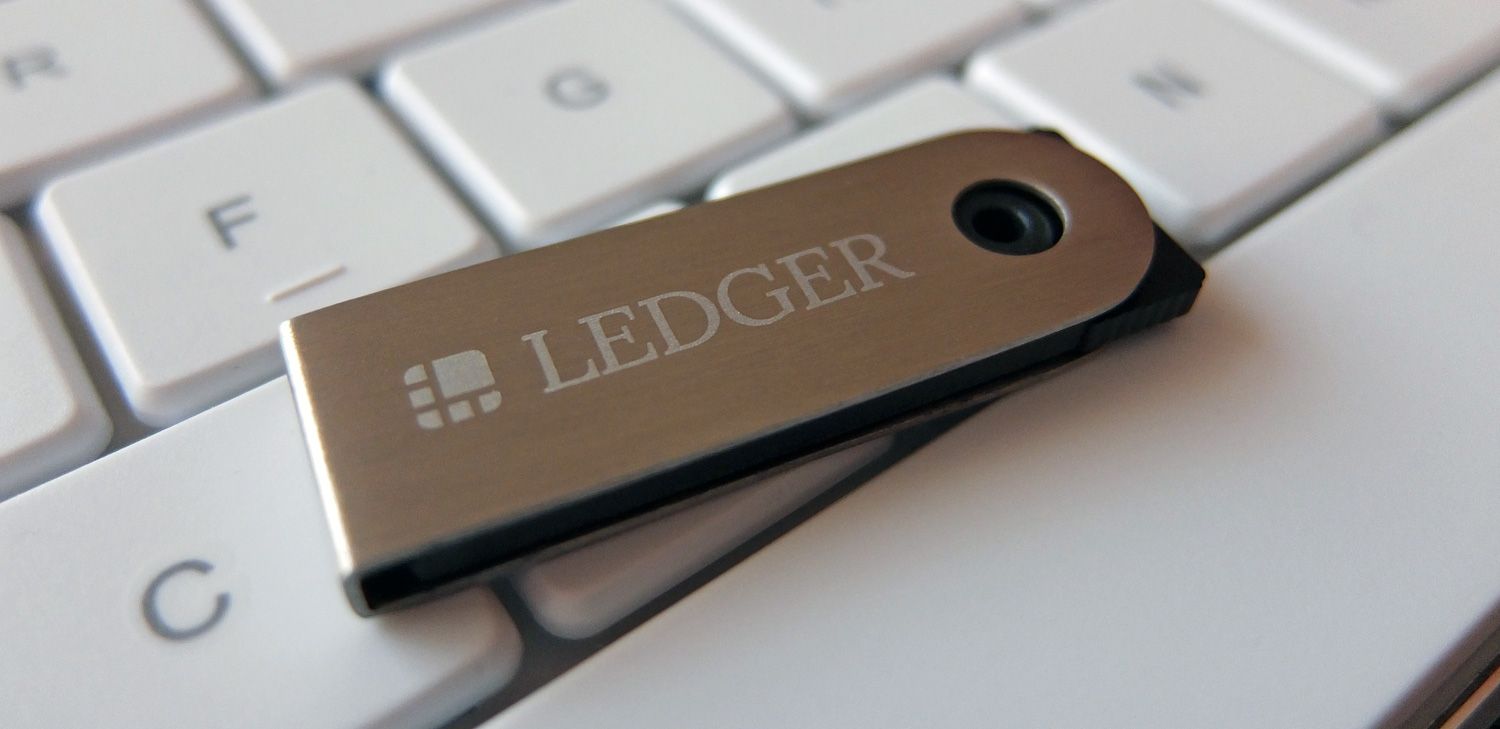
In October 2026, Ledger’s security research team, Ledger Donjon, disclosed that certain Ledger devices sold through the reseller CryptoBilis contained LTE‑enabled implants. The implants decoded the 24‑word recovery phrases displayed during the initial setup and transmitted them over cellular networks using an embedded SIM. Ledger confirmed that the implants did not compromise the devices’ security chips or alter transaction signing, but the stolen phrases enabled attackers to drain funds from affected wallets. Reported losses were estimated between $86 million and $103 million.
Following the discovery, CryptoBilis halted all wallet sales in several Southeast Asian markets, and other hardware wallet manufacturers such as Trezor and OneKey removed the reseller from their authorized networks. Ledger urged users who suspect tampering to contact support, file a police report, and follow an inspection guide that warns against opening the device, as doing so can damage the hardware.
What this means for you
If you plan to earn or store cryptocurrency using a hardware wallet, the key takeaways are:
- Buy from trusted sources. Purchase directly from the manufacturer’s official store or an authorized reseller with a transparent supply chain.
- Inspect the device before use. Look for signs of physical tampering—unusual seams, mismatched screws, or residue.
- Verify the firmware. Most wallets allow you to check that the firmware signature matches the official version before initializing the device.
- Never expose your recovery phrase on a compromised device. If the screen or camera appears altered, do not proceed with the setup.
How to check a hardware wallet’s integrity
- Confirm the packaging. Authentic wallets come in sealed, tamper‑evident packaging with holographic stickers and serial numbers that match the manufacturer’s database.
- Use the official verification tool. Ledger, Trezor, and other makers provide apps that scan a QR code on the device to confirm it is genuine.
- Perform a “blank‑device” test. Power on the wallet without connecting it to a computer. A genuine device will display a welcome screen and prompt for a PIN setup; it should not show any unexpected menus or network activity.
- Check for hidden components. If you are comfortable opening the case (which may void the warranty), look for additional chips, antennas, or soldered modules that are not part of the official design.
- Update firmware immediately. Installing the latest firmware ensures any known vulnerabilities are patched and that the device’s cryptographic libraries are up to date.
FAQ
Can a hardware wallet be hacked remotely?
Because the private key never leaves the secure element and the device does not have an internet connection, remote hacks are extremely unlikely. Most attacks require physical access to install hardware implants or to compromise the device during manufacturing.
What should I do if I suspect my wallet is compromised?
Stop using the device immediately. Transfer any remaining funds to a new, verified wallet, and report the incident to the manufacturer and local law enforcement. Follow the vendor’s inspection guide to avoid damaging the device further.
Is it safe to buy a used hardware wallet?
Generally, buying used hardware wallets is risky because you cannot verify that the device has not been tampered with. If you must buy second‑hand, ensure the seller provides the original sealed packaging, a proof‑of‑purchase receipt, and that you can run the manufacturer’s authenticity check.
Do all hardware wallets have the same level of security?
Security varies by design. Devices with dedicated secure elements (e.g., Ledger, Trezor) offer strong protection for private keys. However, the overall safety also depends on the supply chain, firmware updates, and user practices such as safeguarding the recovery phrase.
This article references reporting from cointelegraph.com.