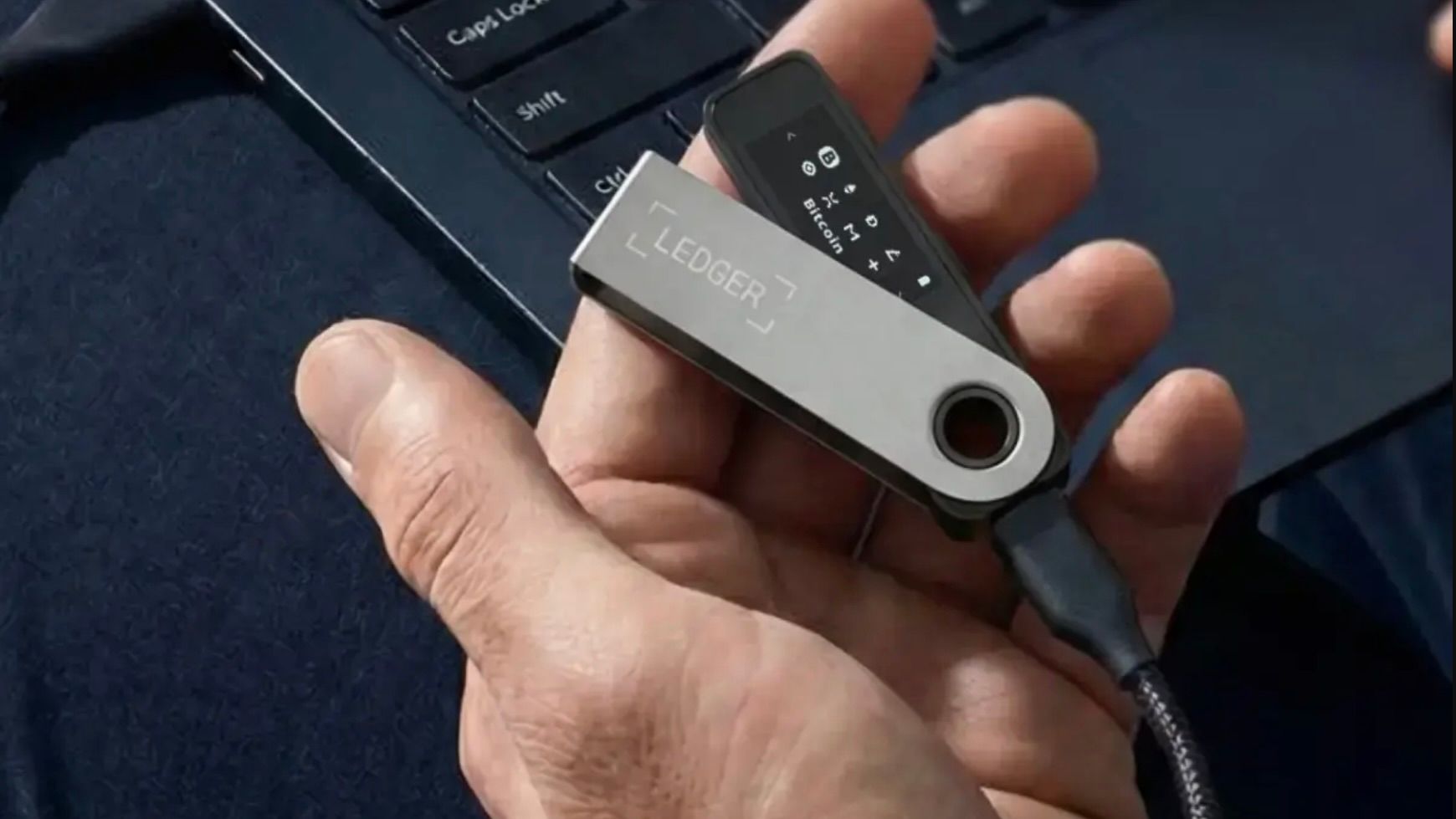
Are you worried that your crypto hardware wallet could be compromised without you knowing? This article explains how hardware wallets protect your private keys, what kinds of attacks can target them, and how you can evaluate the safety of a device before trusting it with your assets.
The plain explanation
A hardware wallet is a small, dedicated device that stores your private keys offline. Private keys are the secret numbers that let you sign transactions and move coins; keeping them offline protects them from hackers who roam the internet. The wallet’s firmware – the low‑level software that runs on the device – handles key generation, storage, and signing. Because the keys never leave the device, even if your computer is infected with malware, the attacker cannot steal the keys directly.
Security relies on three main principles:
- Isolation. The device is physically separate from any networked computer. It communicates only through a USB or Bluetooth connection that requires explicit user approval for each transaction.
- Secure element. Many wallets embed a tamper‑resistant chip (a “secure element”) that stores keys in a protected memory area. The chip is designed to erase its contents if someone tries to open it.
- Signed firmware. The manufacturer signs the firmware with a cryptographic key. The device verifies this signature at boot, ensuring only authentic code runs.
Despite these safeguards, hardware wallets can still be vulnerable. Attackers may try to install malicious firmware, embed hardware implants, or exploit supply‑chain weaknesses. An “implant” is a tiny circuit or chip added to the device during manufacturing that can leak data or modify behavior without the user’s knowledge. Because the implant operates at the hardware level, it can bypass many software‑based defenses.
A real example
In a statement released in March 2026, Ledger reported that an unauthorized implant had been found in at least one device sold by the third‑party reseller CryptoBilis. Ledger clarified that the issue was limited to a small number of units and that up to $93 million worth of crypto had been traced, with $10 million frozen by authorities. The incident illustrates how a compromised supply chain can introduce hidden hardware that defeats the wallet’s intended security model.
What it means for you
If you rely on a hardware wallet for passive income, staking, or cloud rewards, a compromised device could let an attacker sign transactions on your behalf, siphoning off rewards or principal. Even a single malicious unit can affect the broader perception of a brand, leading to loss of confidence and reduced market value for related tokens.
However, the risk is still relatively low compared to keeping keys on a phone or computer. Most reputable manufacturers follow strict production standards, and the majority of devices in the wild are clean. The key is to adopt best practices that reduce exposure to the rare compromised unit.
What to check / how to judge
- Buy from official channels. Purchase directly from the manufacturer’s website or an authorized reseller. Avoid third‑party marketplaces where counterfeit or tampered devices may appear.
- Verify firmware signatures. When you first set up the wallet, the device should display a fingerprint of the firmware. Compare this with the hash published on the manufacturer’s site.
- Inspect the packaging. Authentic devices come sealed in tamper‑evident packaging with serial numbers that match the device’s internal ID.
- Use a secure element. Choose wallets that explicitly state they use a certified secure element (e.g., STMicroelectronics, NXP). These chips are designed to resist physical tampering.
- Enable passphrase protection. A passphrase adds an extra layer of encryption to the seed phrase, so even if the device is physically compromised, the attacker still needs the passphrase to derive the keys.
- Monitor for recalls. Follow the manufacturer’s blog or security mailing list for any announcements of firmware updates or hardware recalls.
FAQ
Can a hardware wallet be hacked remotely?
Because the private keys never leave the device, a remote hacker would need to compromise the device’s firmware or trick the user into approving a malicious transaction. This is far more difficult than attacking a software wallet, but not impossible if the firmware is vulnerable.
What should I do if I suspect my wallet is compromised?
Immediately transfer your assets to a new, verified wallet. Reset the compromised device to factory settings, reinstall the latest official firmware, and consider contacting the manufacturer for guidance.
Is using a passphrase enough protection?
A passphrase encrypts the seed phrase, adding a strong barrier. However, it does not protect against hardware implants that can capture the passphrase as you type it. Combine a passphrase with other best practices for layered security.
Do all hardware wallets have the same level of security?
No. Security varies based on the chip used, firmware signing process, and the manufacturer’s supply‑chain controls. Research the device’s security architecture and read independent audits before buying.
This article references reporting from coindesk.com.